Attention and everyday practice
Too much to do: focus your attention on one step
Look at what is occupying your attention. Choose one task, reduce the distractions you can control and define a small step you can finish. Afterwards, decide whether to continue or pause.
- See the workload
- Choose one step
- Check how you feel
A day can be full of tasks without any sense of completion. Before demanding more discipline, look at the workload itself: how many tasks are open and how often you have to switch between them.
Take a brief inventory
List open tasks and, separately, what keeps returning to your thoughts: an unfinished conversation, an expected reply or something at home. There is no need to score yourself. This is a list to help you decide, not a health assessment.
Mark what needs action today, what can wait until another time and what is currently beyond your influence. Clarifying the list can matter more than finding another way to force yourself to work.
Sort the list into three parts
For example, “prepare the meeting” might include questions, documents and an email to participants. Choose one of those parts. If the email needs a colleague’s decision first, you could gather the documents for now. This is an example of choosing an action, not a universal schedule.
| What is in front of you | What you can do |
|---|---|
| A task that matters today | Name a small result and the next action |
| A task that can wait until another time | Choose when to return to it and write that down |
| Waiting for someone else’s decision | Note when it makes sense to check for a reply, then work on something available to you |
Choose a manageable period of work
One task
Name the next small result you can complete: three questions for a meeting, one paragraph or a list of documents.
Fewer switches
Reduce the distractions you can control while doing this step. If you must remain available, keep the necessary contact channel open.
Review and pause
After the step, consider how you feel and what the circumstances require. You can continue, rest or adjust the amount of work.
If interruptions are part of your day
Sometimes you cannot close every message: your work requires replies, a child needs you, or you are waiting for an important call. Choose a step that fits those conditions. A short list of questions may be more realistic than a long document that needs an uninterrupted hour.
Before an unavoidable pause, leave yourself one sentence saying where you stopped and what to open next. For example: “The documents are gathered; check the date in the third file next.” That gives you a concrete starting point when you return.
If a new request matters more than the current task, you can deliberately change priorities. Note what to return to afterwards. The exercise is about seeing your choices and workload, not following a rule at any cost.
Notice conditions that help you work
For a few days, you might briefly note what helped you concentrate and what got in the way. Look for concrete conditions: a clear task, quiet, prepared materials or too many simultaneous demands.
No single mandatory work interval suits every task and state. Choose the amount of work to fit your situation.
Severe or lasting fatigue can have different causes. If it substantially affects your life, discuss it with a doctor. A task list cannot establish the cause.
A short end-of-day entry
In AMAYA Journal, you can save three lines: which task moved forward; what interrupted your work most often; and one condition you would like to change tomorrow. You do not need to give the whole day a score.
For example: “I prepared the meeting questions. I returned to my email several times while waiting for one reply. Tomorrow I will start with the documents and check for the reply after that part.” Focus on observable circumstances and a manageable change.
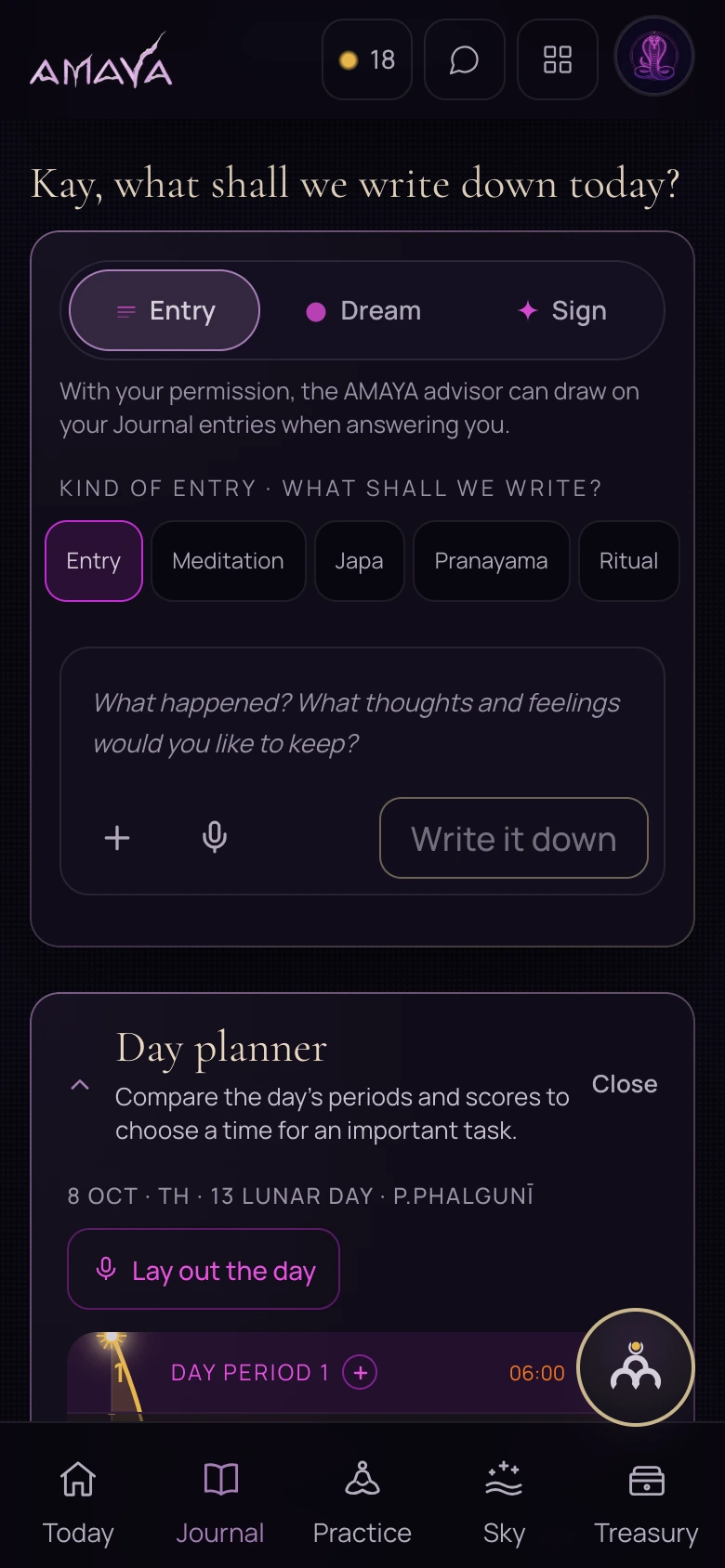
Once you have chosen a time for a particular task, you can put it in the planner. Keep your reflection on the day in Journal: planning and reflection serve different purposes.
 Open full size - in a new tab
Try it in AMAYA
The planner can connect a concrete task with a chosen time. You can keep an observation about your workload separately in Journal.
AMAYA day planner: choosing a time for a task
Open Journal