Using AMAYA
AMAYA day planner: choosing a time for a task
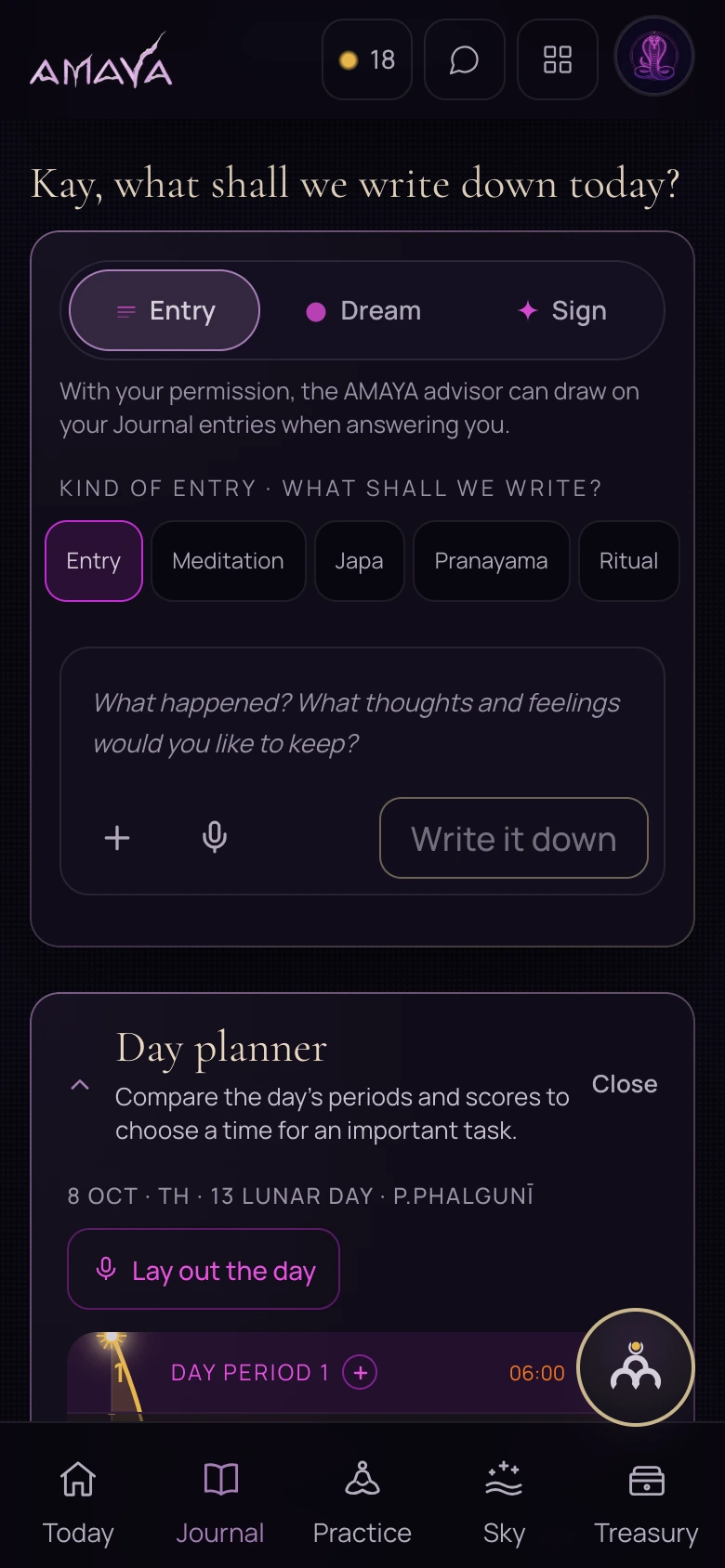
The day planner is inside Journal. Open the periods for the day you need, check the location and time, read the explanation and choose a step that fits your circumstances.
- Task and constraints
- Period of the day
- Chosen step
Suppose you need to arrange a call today. Start with the real constraints: the other person’s availability, the deadline and how long you need. Then look at the periods in the app.
Open the day planner in Journal
Go to Journal and find the day planner. It helps with planning tasks. Recording an observation is a different activity within the same section.
Check that you are viewing the intended day. Times depend on the location and time zone, so check those details before choosing a period.
 Open full size - in a new tab
Read the period before choosing
Name the task
Decide what you want to do and how much time it needs.
Look at the hours
Read the available explanation of favourable and difficult hours. Compare the period’s start and end with your schedule.
Choose your step
Consider commitments and practical conditions. If the period is unavailable, plan around the circumstances you have.
Return to the facts afterwards
You can record which time you chose and what happened. This gives you a concrete observation to return to.
A time marker does not promise success. This guide explains how to read periods yourself; it does not show automatic task allocation.