Using AMAYA
How to use AMAYA: where to start
Start with one task. Explore the day in Today, your birth details in Chart Overview, a specific question in Practice, and your own entries in Journal.
- Your task
- The right section
- One action
You do not need to learn the whole app on your first visit. Think about what brought you here: something you are planning, an interest in your chart, a question or a thought you want to keep. These four starting points can help you choose.
Choose a task
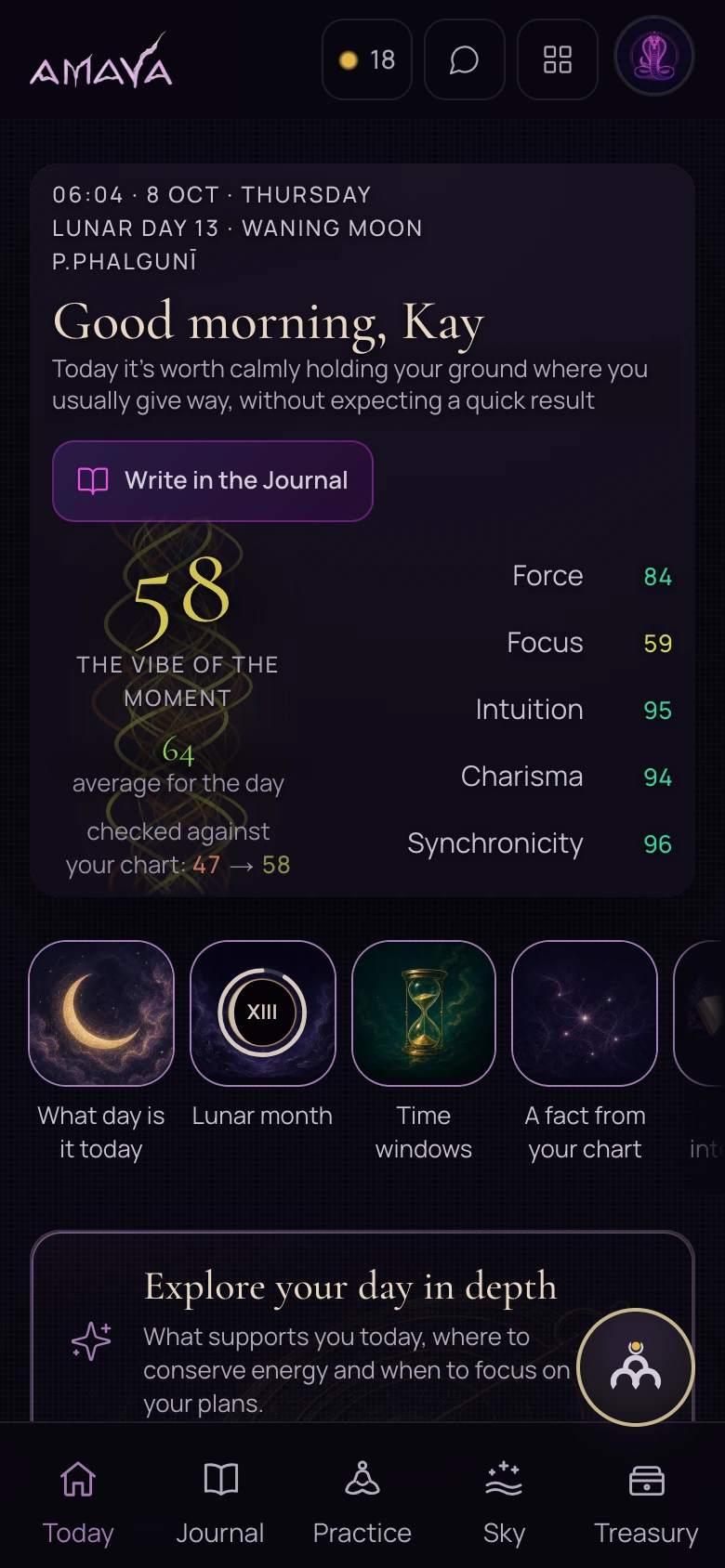
Explore your day
Open Today. Check the city and date, read the advice and look at the favourable and difficult hours. You can view this screen without signing in.
Open TodayExplore your chart
Open Chart Overview and describe your birth details with the precision you actually know. If the time is uncertain or its precision is not specified, you will first see reference positions and a request to clarify the details. A personal reading requires precise birth details.
Open Chart OverviewWork through a question
Open Ask the Sky in Practice. Describe one matter and its circumstances, such as what you want to understand before a conversation.
Open PracticeKeep an observation
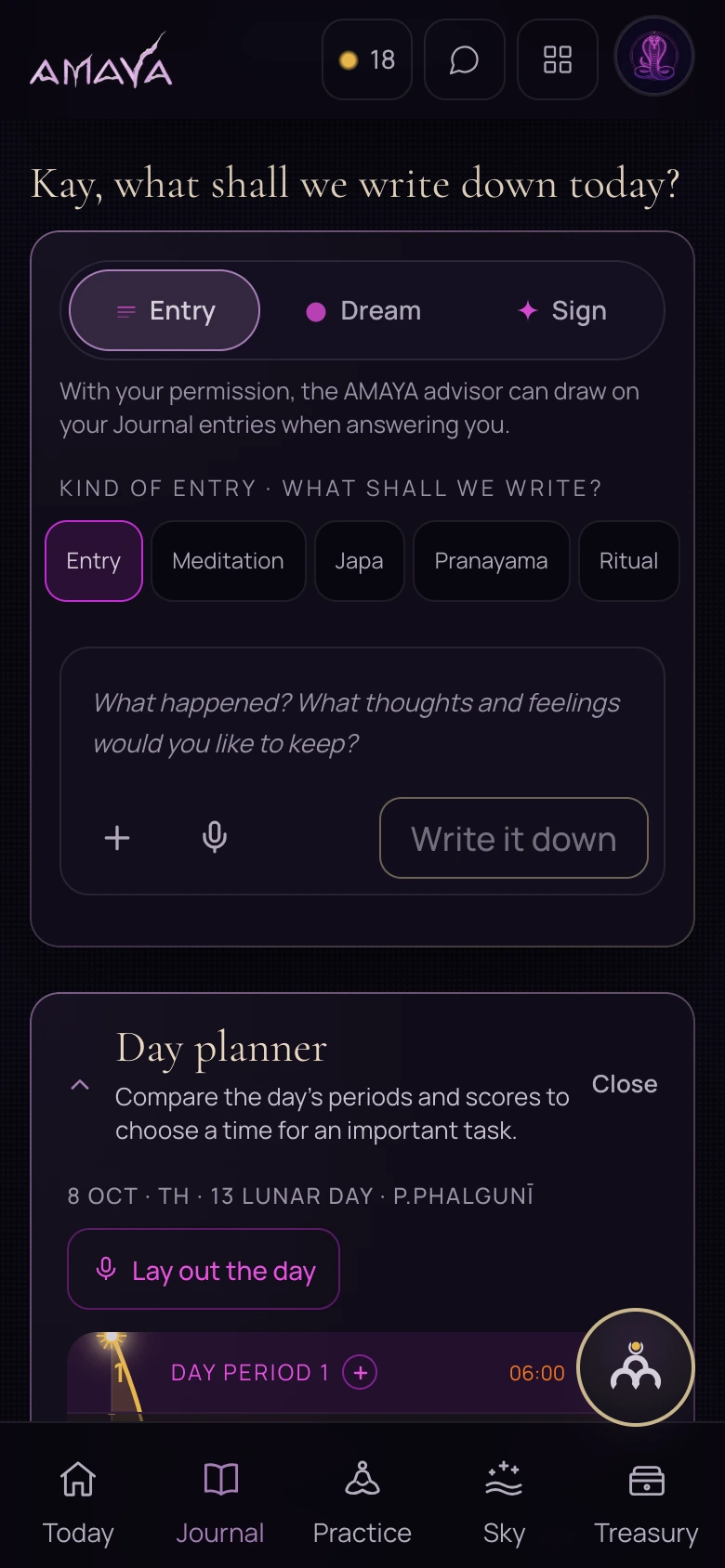
Open Journal. Use Entry for an ordinary event or thought. Dreams and signs have their own tabs.
Open Journal
 Open full size - in a new tab
If you reach the sign-in screen
Some sections require you to sign in. The links in this guide take you through sign-in to the section you chose. Continue that route once you are signed in.
Your current city and your birthplace are different details. The first relates to where you are now; the second belongs to the information used for your birth chart.
Complete one useful action
Choose one route and complete one action: read an explanation, clarify a question or make an entry. You can return to the other sections later.
If a name is unfamiliar, look for its explanation. You can begin with a concrete situation without knowing the language of every chart.
 Open full size - in a new tab