Using AMAYA
AMAYA Settings: Journal reading and personal context
In Settings, find the section about how AMAYA answers. AI consent and the Journal reading switch are separate controls. Changing the switch should not be treated as deleting previously shared data.
- AI consent
- Journal context
- Your choice
Keeping personal entries and allowing them to inform answers are different decisions. Before a conversation, check which context you have chosen to make available.
Find the context controls
Open Settings
Find the section explaining how AMAYA answers. Read the explanation and the current states of its controls.
Open SettingsCheck AI consent
This is a separate permission for the model to work with data. It sits beside the Journal reading control.
Check Journal reading
The switch is labelled ‘AMAYA reads your Journal’. Choose the state you intend and check it again after refreshing the page.
What this choice means
Journal reading controls whether entries are used as context for answers. It is not a control for deleting entries, conversation history or data already shared.
Conversation history and other data have separate controls. Before deleting anything, read the label of that particular action and its consequences.
Return to your entries
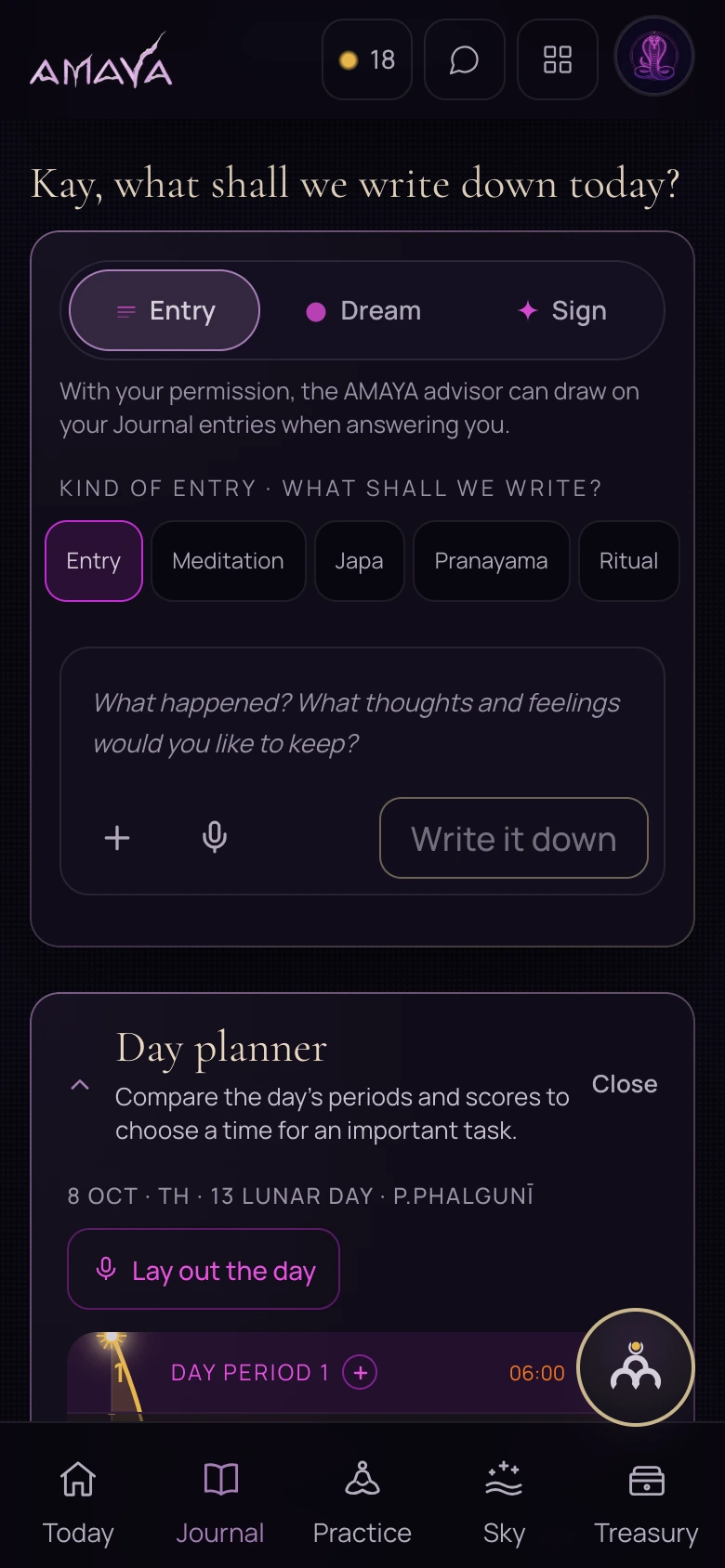
After checking the setting, you can return to Journal and keep writing. You do not need to grant additional permissions simply to keep your own text.
If the state after refreshing differs from your choice, do not rely on the switch’s earlier position. Ask through the available support route without sending unnecessary personal entries.
 Open full size - in a new tab