Using AMAYA
AMAYA Sky: understanding your birth chart and the current moment
Check the chart’s source details before reading it. Your birth chart relates to your birth; the current sky relates to the selected moment. The mode label helps you identify what you are viewing.
- Mode and details
- One marker
- Its explanation
A chart can look dense on a small screen. Begin with one question: which chart is this, what moment does it describe, and which detail are you looking at?
Identify the chart you have open
In Sky, the My chart tab shows your birth chart, and Living Sky shows the current sky. The screenshot below shows the Diagrams tab. First check the selected diagram's name, date and place. Do not automatically carry an interpretation from one mode into another.
My Chart in the Overview leads to the detailed birth chart. Its time-dependent details retain the limits of the original information.
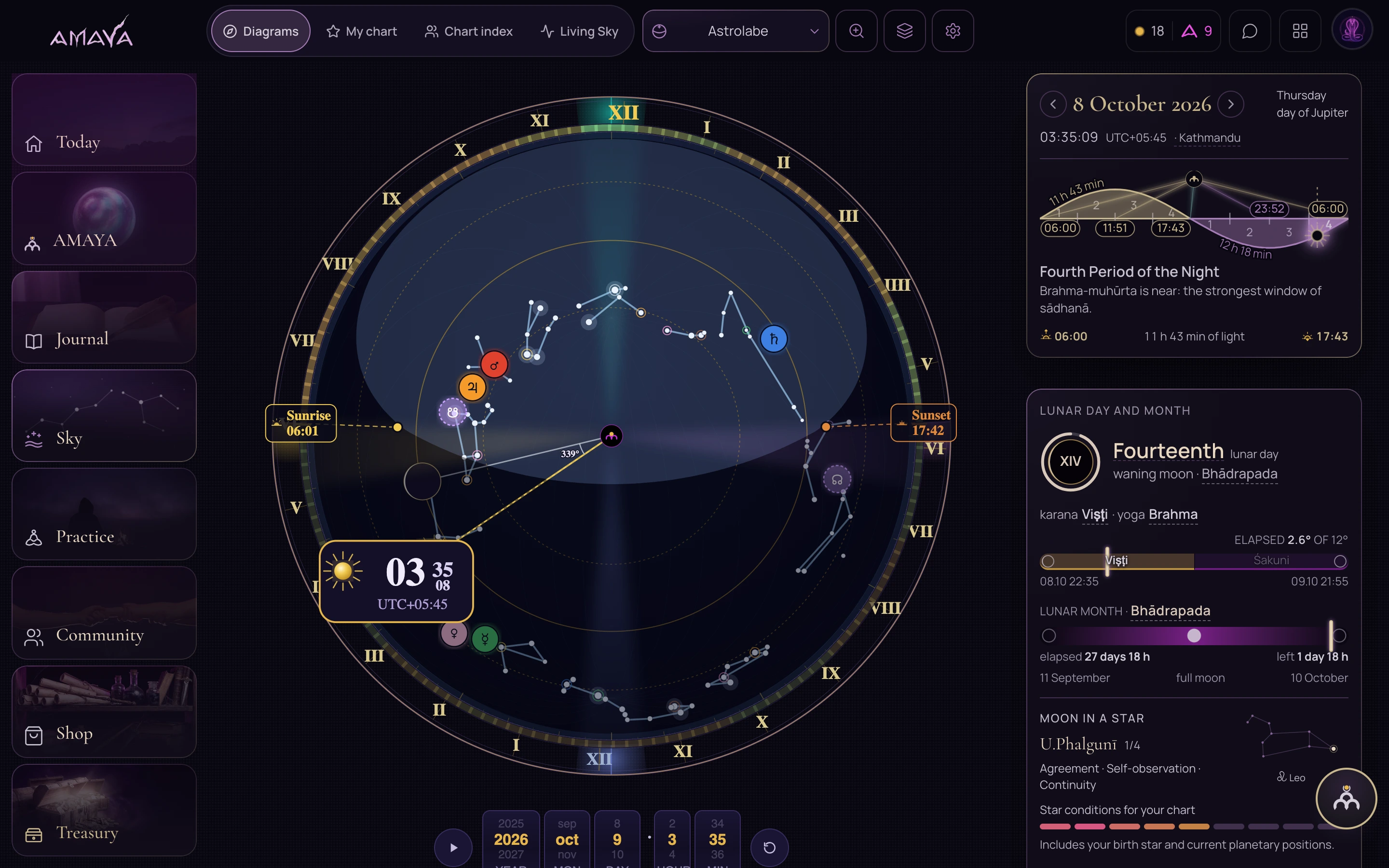 Open full size - in a new tab
Explore one detail
Find a marker
Choose one label or position you want to understand. You do not need to read the whole chart at once.
Open the explanation
Read which object the marker belongs to and what it means in this mode.
Keep the context
When asking a follow-up, name the mode and the detail. This keeps the question connected to the intended chart.
Reading on different screens
On a phone, you can focus on one part and its explanation. A larger display makes it easier to compare elements. Screen size does not change the source data used in the calculation.
The screenshot below shows a saved Sky screen. Use it to recognise the interface, then check the current date and mode in your own app.
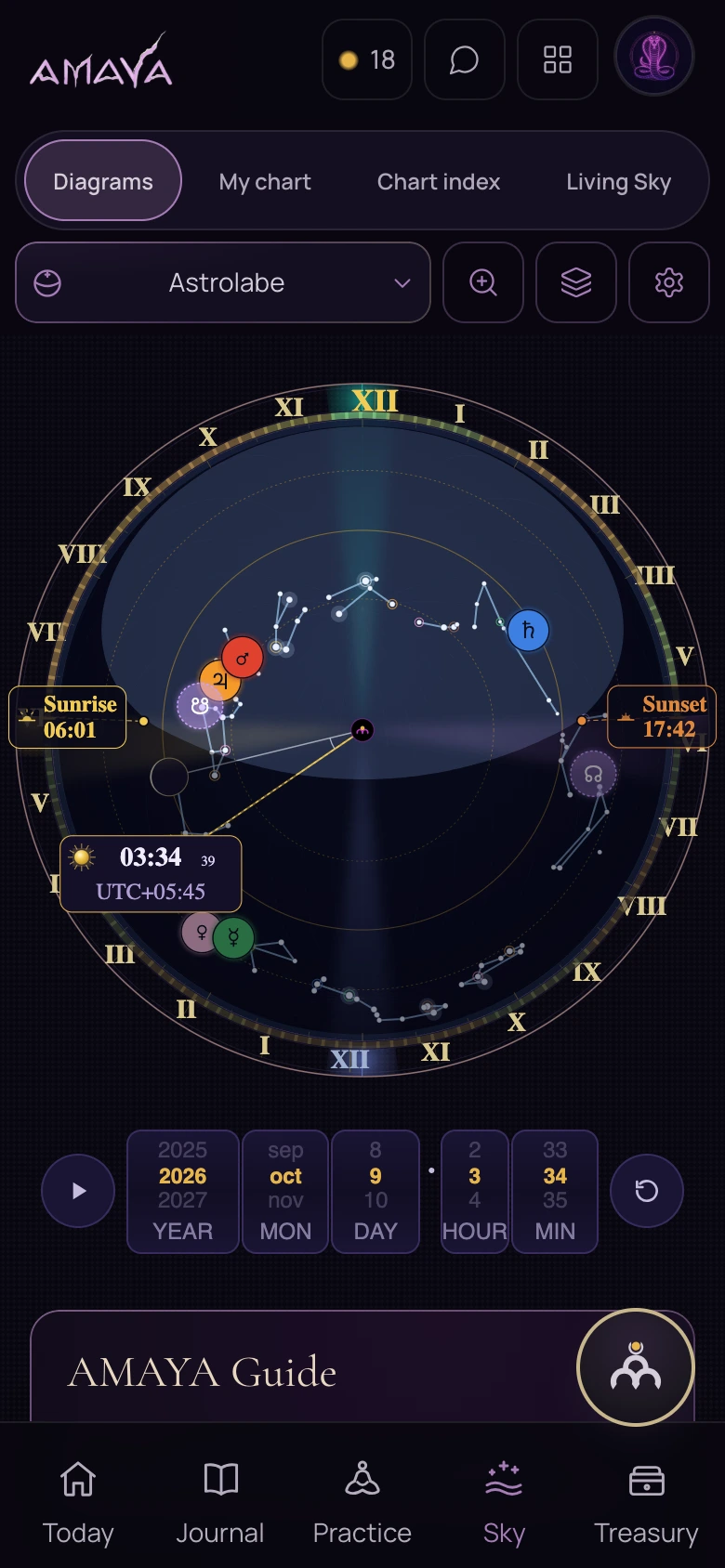 Open full size - in a new tab